
Payments That Fit Your Business
From Tap to Pay on your phone to full POS terminals, accept payments your way. Fast, secure, and built for Micro and Small businesses.
Made for Getting Paid Anywhere
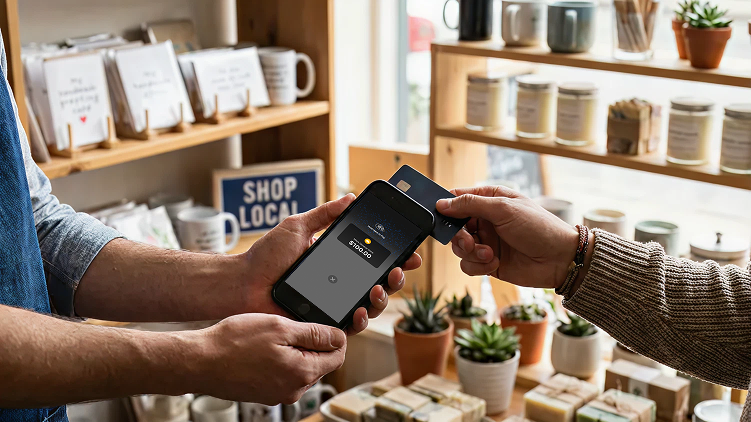
Independent Retail Shops
Gift shops, specialty stores, kiosks, pop-ups
-
Easy in-store and on-the-go payments
-
Fewer declines at checkout
-
Fast payouts to keep cash flowing
Car Wash & Vehicle Care
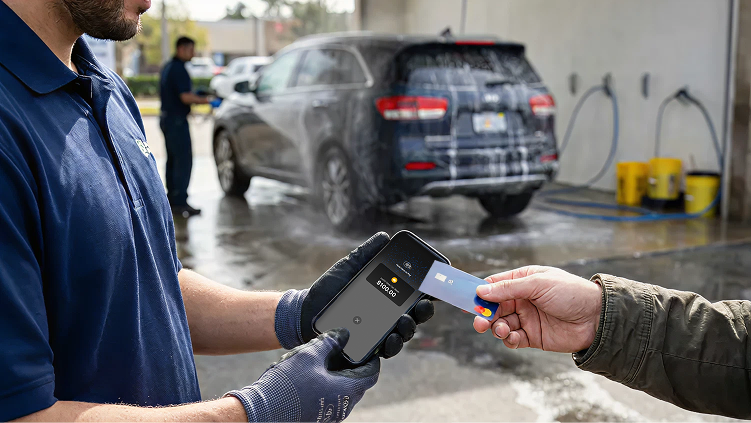
Car washes, detailing services, memberships
-
Tap-to-pay anywhere on the lot
-
No terminals tied to a counter
-
Built for high-volume traffic
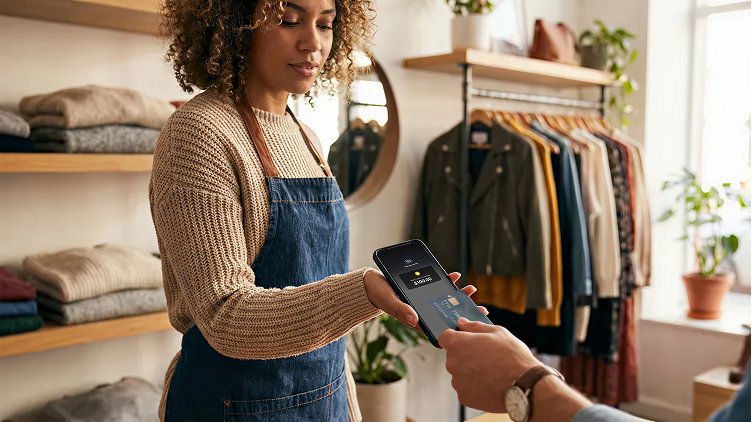
Clothing & Fashion Stores
Boutiques, apparel shops, fashion retailers
-
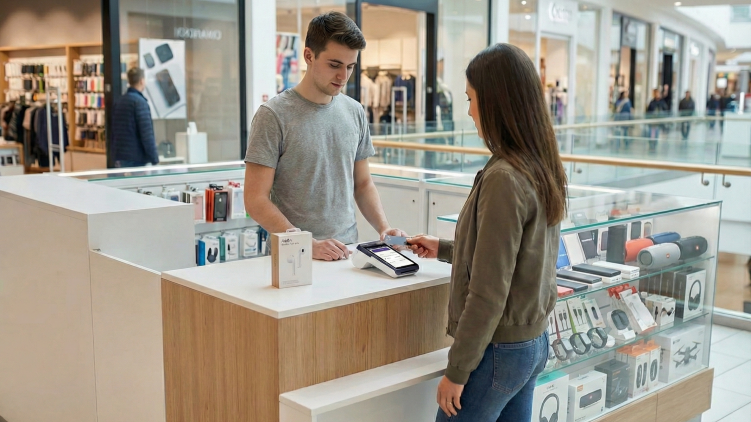
Smooth in-store tap-to-pay checkout
-
Fewer returns and chargebacks
-
Easy app built for small businesses
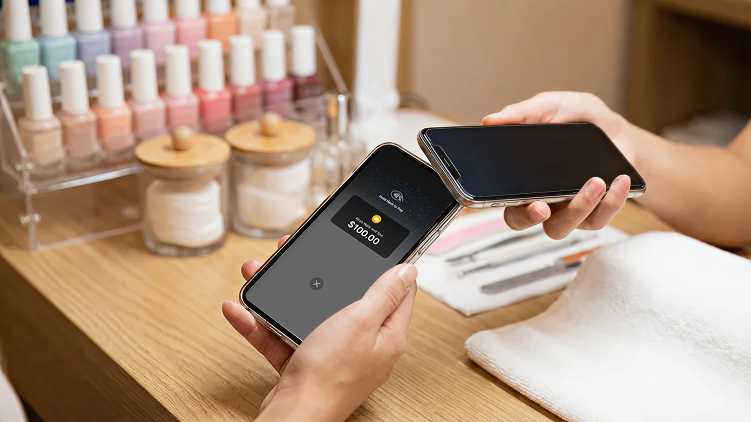
Service-Based Businesses
Salons, studios, trainers, local services
-
Easy payments per appointment
-
Tips and add-ons included
-
Start accepting payments in minutes
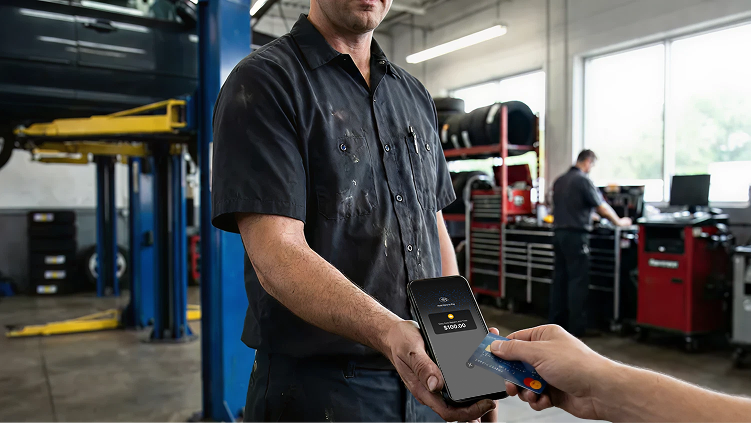
Auto Repair & Service Shops
Mechanics, garages, service centers
-
Take payments anywhere in the garage
-
Everyone can get paid on their phone
-
Get paid in person or by invoice
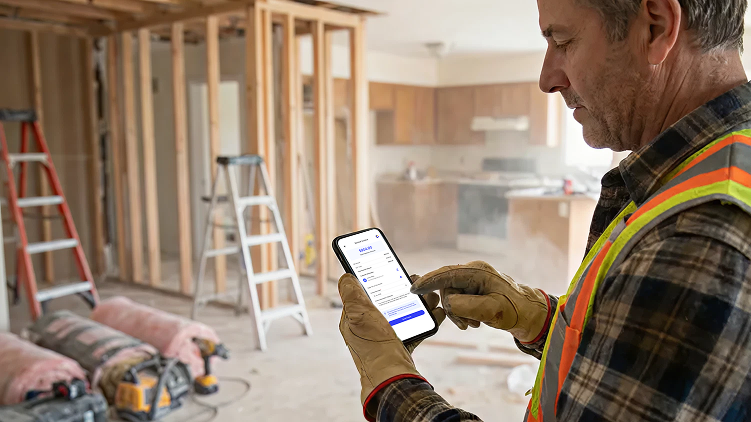
Home Services
Handymen, plumbers, renovation teams
-
Take deposits and progress payments
-
Get paid faster on large jobs
-
Clear records for every project
Choose How You Take Payments
Why Tap to Pay on Your Phone
No extra device to manage and pay for
Your phone becomes the terminal
Works on iPhones and Androids
Flat rates for tap to pay — 2.49%
Perfect for mobile and service-based businesses
Add up to 3 phones as terminals for free
When a POS Terminal Fits Best
Physical keypad and display
Better for high-ticket and PIN transactions
Interchange + 0.20% from day one
Designed for permanent checkout setups
Supports shared use across teams and shifts
Familiar experience for customers
Trusted by Small Businesses Like Yours
⭐⭐⭐⭐⭐ 4.3 from 600+ Business Owners
"Sheldon was pretty great to work with. Personable guy, not pushy, helped me sort out what I needed for my business. Everything's set up now and I'm excited for 2026" December, 2025
⭐⭐⭐⭐⭐
"2, terminal 2, location Central Pet Excellent service mr. Shadat ." December, 2025
⭐⭐⭐⭐⭐
"Was dealing with Adam! Great service! Nothing but smooth business with the company. Would recommend!" November, 2025
⭐⭐⭐⭐⭐
"Commando has been working with Paul Mollot for almost 10 years. If I could give him more than a 5-star I would. We never wait for service and he always ensure we have what we need for our seasonal business. He goes above and beyond for our small business!" November 2025
⭐⭐⭐⭐⭐
"Got a pos system from Sai for our store. Pos system looks good and always works" October 2025
⭐⭐⭐⭐⭐
"Amazing system! Customers love the look of my new terminal. Software is so easy to use. 100x times better than others. CPOS all the way!" September, 2025
⭐⭐⭐⭐⭐
"The service and software was unbelievable! Had an amazing experience with this company :)" August 2025
⭐⭐⭐⭐⭐
"Very impressed! I run a small business and my terminal was not working properly. These guys were awesome. Came to my aid right away. Set me all up and I had my new terminal in days - not 10 business days - less then a week. I was so relieved! Highly recommend this company." January 2025
⭐⭐⭐⭐⭐
"Great company to work with. You can tell management really cares about small businesses." March 2024
⭐⭐⭐⭐⭐
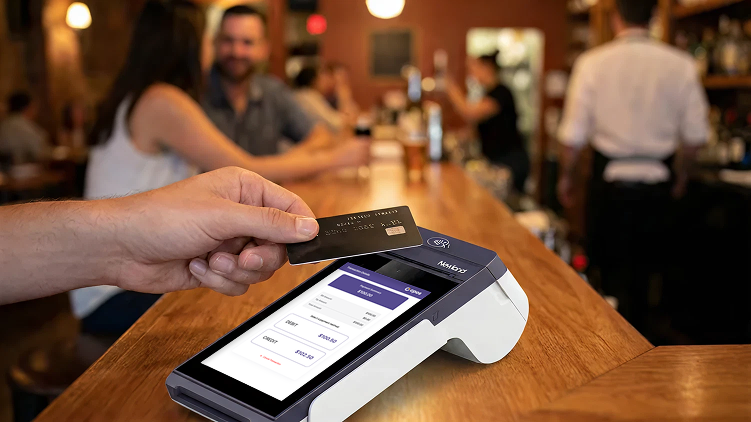
"Working with this company has made setting up a new pos system for a new business so simple! The customer service I received was far beyond my expectations." December, 2025
⭐⭐⭐⭐⭐
Pricing That Respects Your Money
Tap to Pay on Your Phone
Your phone becomes the terminal
Processing Fees
- Tap to Pay: 2.49% + $0.10
- Online payments: +1% + $0.20
- International cards: +1% + $0.20
Software Subscription
- $20/month for full access to Tips, Taxes and Invoicing.
- 14-day free trial to set things up and decide if this makes sense for your business.
No contracts. Cancel anytime. Your phone doesn’t get offended.
POS Terminals
For businesses that want dedicated hardware
Processing Fees
- Interchange + flat 0.20%
- Average in-person credit: ~1.6%
- Debit: 5¢ per transaction
No tiers. No junk fees. No “trust us, it’s low.”
Terminal Cost
- $35 per month per terminal
- Processing over $5,000/month? Contact sales to negotiate a better price.
“Freepay” on Terminals
Keep 100% of your sale. Fees shown upfront
How it works
- $0 processing fee for you
- Pass the fee to the customer where permitted
- The customer sees the fee before paying
$100.00 item → customer pays $100.50 debit or $102.50 credit → you keep $100.00
Need Something Bigger?
Multi-location or high volume business? Custom pricing available. Let's talk for real.
FAQ
Is CPOS Pay suitable for high-amount transactions?
Yes, with some context. Transaction limits for CPOS Pay Tap to Pay depend on the customer’s issuing bank and your merchant account limits, not on the Tap to Pay technology itself.
All new merchants start with a $250 per-transaction limit. In the CPOS Pay app, you can see your current limit and available limit of up to $1,000, along with the steps required to unlock higher limits. These usually include upgrading to a paid plan and completing identity verification. Apple Pay and Google Pay often allow higher amounts than physical contactless cards.
If your business needs higher transaction limits, contact us and we’ll review your account and business details. Final approval always depends on the issuing bank and the payment method used.
Can CPOS Pay send receipts by SMS instead of email?
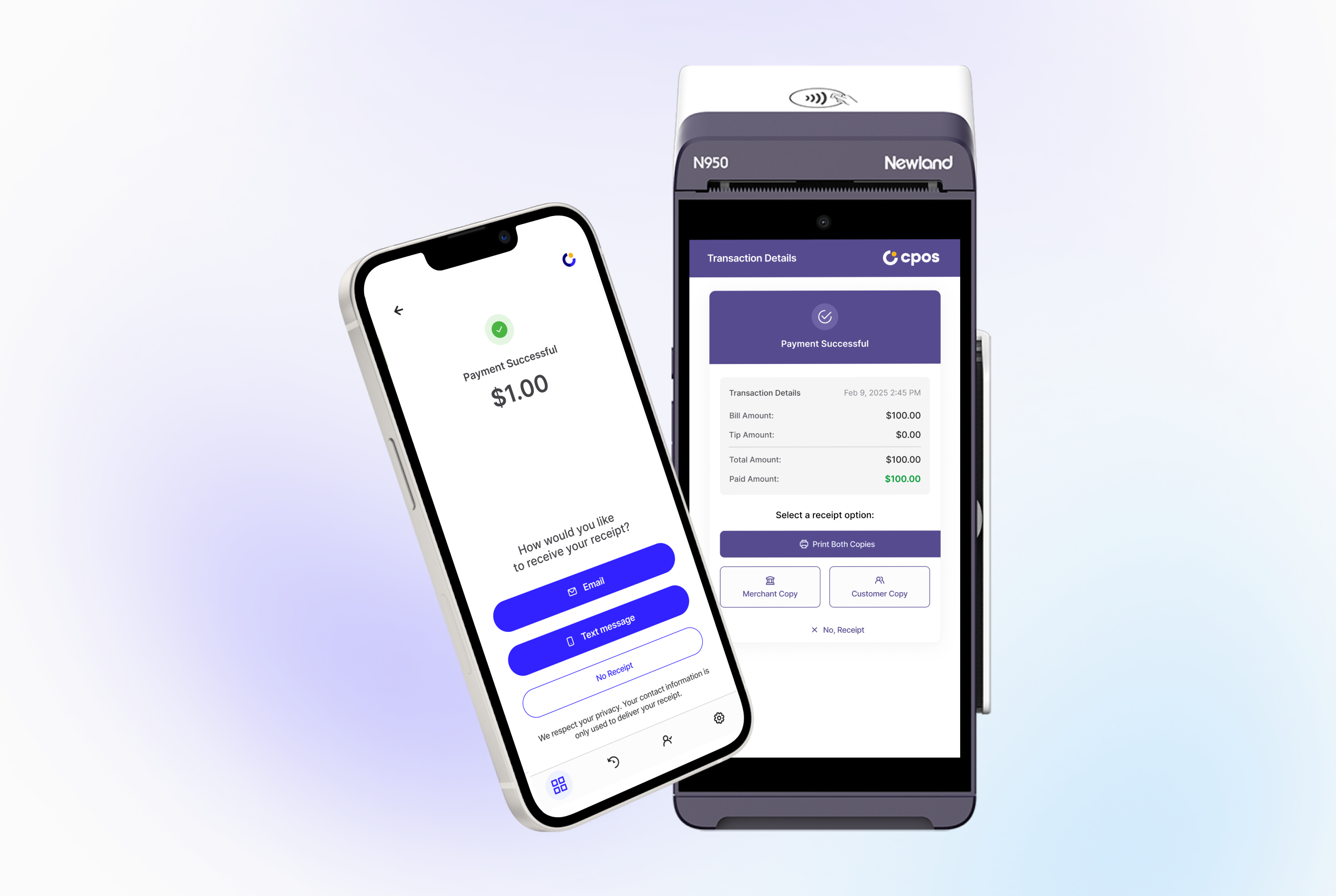
Yes. After a successful Tap to Pay or invoice (keyed-in) payment, the app allows customers to choose how they receive their receipt: SMS (text message), email, or no receipt.
Email receipts require a valid email address, SMS receipts require a valid phone number, and skipping the receipt is always an option.
Can multiple staff use CPOS Pay on their own phones under one business account?
Yes. CPOS Pay allows up to 3 team members to accept payments on their own phones using Tap to Pay under a single business account.
This setup is ideal for teams, shift-based staff, and mobile workers, since each person can use their own device.
Can I accept tips with CPOS Pay?
Yes. CPOS Pay supports tipping, allowing customers to add a tip during the Tap to Pay or mobile POS payment flow.
This is especially useful for service-based and hospitality businesses. Tips are automatically included in your payouts.
How are refunds handled in CPOS Pay?
Refunds for Tap to Pay and mobile POS transactions in CPOS Pay are initiated directly from the app on completed payments. You select the transaction, enter the refund amount, choose a required reason, review the details, and issue the refund.
The refunded amount is returned to the customer’s original payment method and typically appears within 3–5 business days, depending on the issuing bank and payment provider.
Partial refunds are supported. You can issue multiple refunds until the full amount is returned, with each refund clearly tracked and reflected in the transaction status.
How does Freepay work on Terminals when passing fees to customers?
With Freepay, customers see three clear ways to pay at checkout: cash with zero fee, debit with its fee, or credit with its fee. All fees are shown upfront, so customers choose their payment method and you receive the full sale amount. Clean, transparent, done.
How long does it take to get set up with a Terminal?
The application takes about 10 minutes. Once approved, your Terminal is typically delivered within 3–5 business days.
Can I review my sales data from Terminal transactions?
Yes. You get access to detailed reporting for all Terminal transactions, including sales, fees, and payouts. Everything you need to understand how your business is performing.
Are there any setup costs for Terminals?
No account activation or setup fees for Terminals. Your monthly subscription starts after your first month. No surprise charges, no fine-print gymnastics.