Your phone is now the card reader.
Accept contactless cards and digital wallets with just your phone. No hardware, no monthly fees.







From zero to paid.
Three steps. About five minutes.

Wherever the work happens, get paid there.
No register to stand behind. The whole checkout fits in one hand.
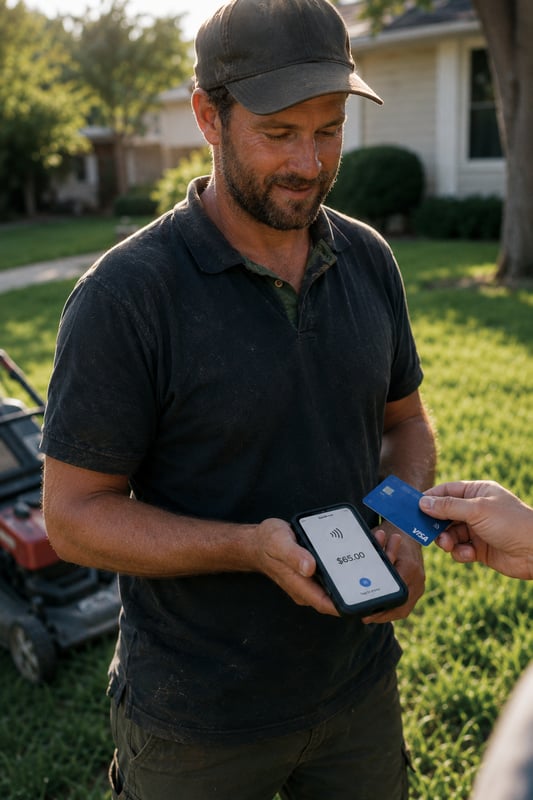
Trades & home services
Landscapers, lawn crews, handymen, contractors. Get paid the second the job wraps, right at the door.
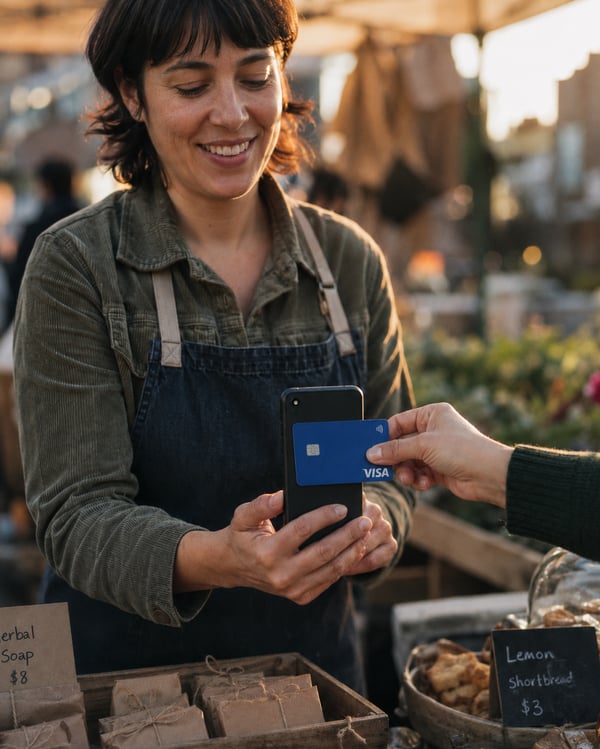
Mobile services
Cleaners, detailers, dog groomers. Your phone is the whole register, on every visit.
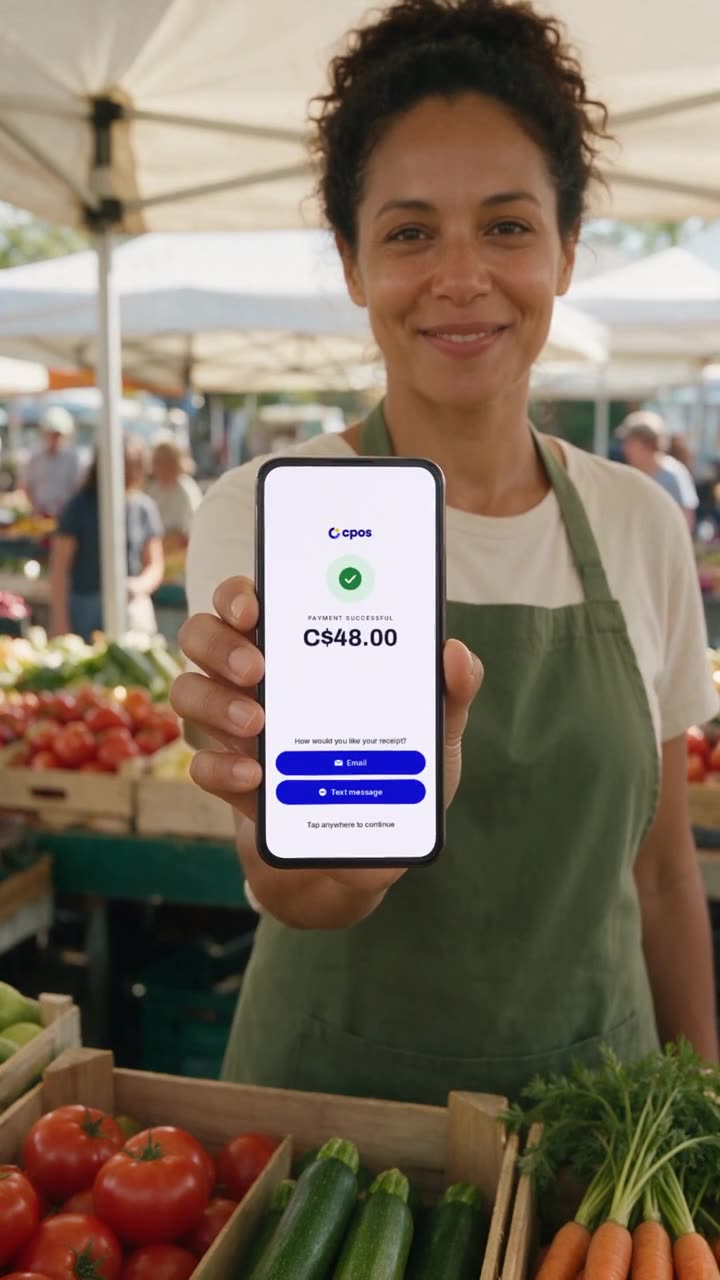
Pop-ups & solo sellers
Market stalls, fairs, side hustles. Take cards and wallets anywhere, text the receipt on the spot.
Loved by people who hate fuss.
"The best I've dealt with in 18 years. Fast processing, and the customer service is one of the best out there. My customers love just tapping to pay."
"I manage a handyman service and this app saves me so much time and eliminates the bulky paperwork. Best of all is the Tap to Pay. My customers love how easy it is."
"Very good app for vendors. No hardware, just your phone. Being able to take cards and Apple Pay is a must. So convenient for my small business."
"Makes it less awkward to ask for payment when clients can just tap on my phone, or pay via text message. Invoicing is a breeze."
Questions, answered.
What is Tap to Pay and how does it work?
Tap to Pay turns your iPhone or Android into a contactless card reader. Enter the amount in the CPOS app and your customer taps their card or phone on the back of your device. No extra hardware required.
Is it really free to start?
Yes. There is no monthly fee and no subscription to start taking payments. You process in-person payments at 2.49% + $0.10 and only pay when you get paid.
What are the transaction fees?
Tap to Pay is 2.49% + $0.10 per transaction, with unlimited payments and no monthly volume caps. You can lower your rate later right inside the app as your business grows.
Does it work on iPhone and Android?
Yes. CPOS Pay works on supported iPhones and Android devices with contactless hardware. If you see "Device is not supported," your phone may lack the required NFC hardware.
Is there a limit per payment?
You can take payments up to $1,000 per transaction out of the box, with no monthly volume caps. Working on bigger jobs? Raise your per-transaction limit in seconds from the app after a quick verification.
Can I cancel anytime?
Yes. There are no contracts or lock-in. Upgrade, downgrade, or cancel whenever you want.
Can it send receipts by text?
Yes. Send digital receipts by SMS or email right after the payment, with no paper needed.
Can I accept tips?
Yes. You can turn on tipping and let customers add a tip at checkout.
How are refunds handled?
You can issue full or partial refunds from the app on any payment. No extra hardware needed.
Can I manually enter card numbers?
CPOS Pay is primarily designed for Tap to Pay. Rather than manual entry, you can generate an invoice link that lets the client securely complete the payment themselves.
Your next sale is a tap away.
Set up in minutes. Pay nothing to start. Use the phone you already own.